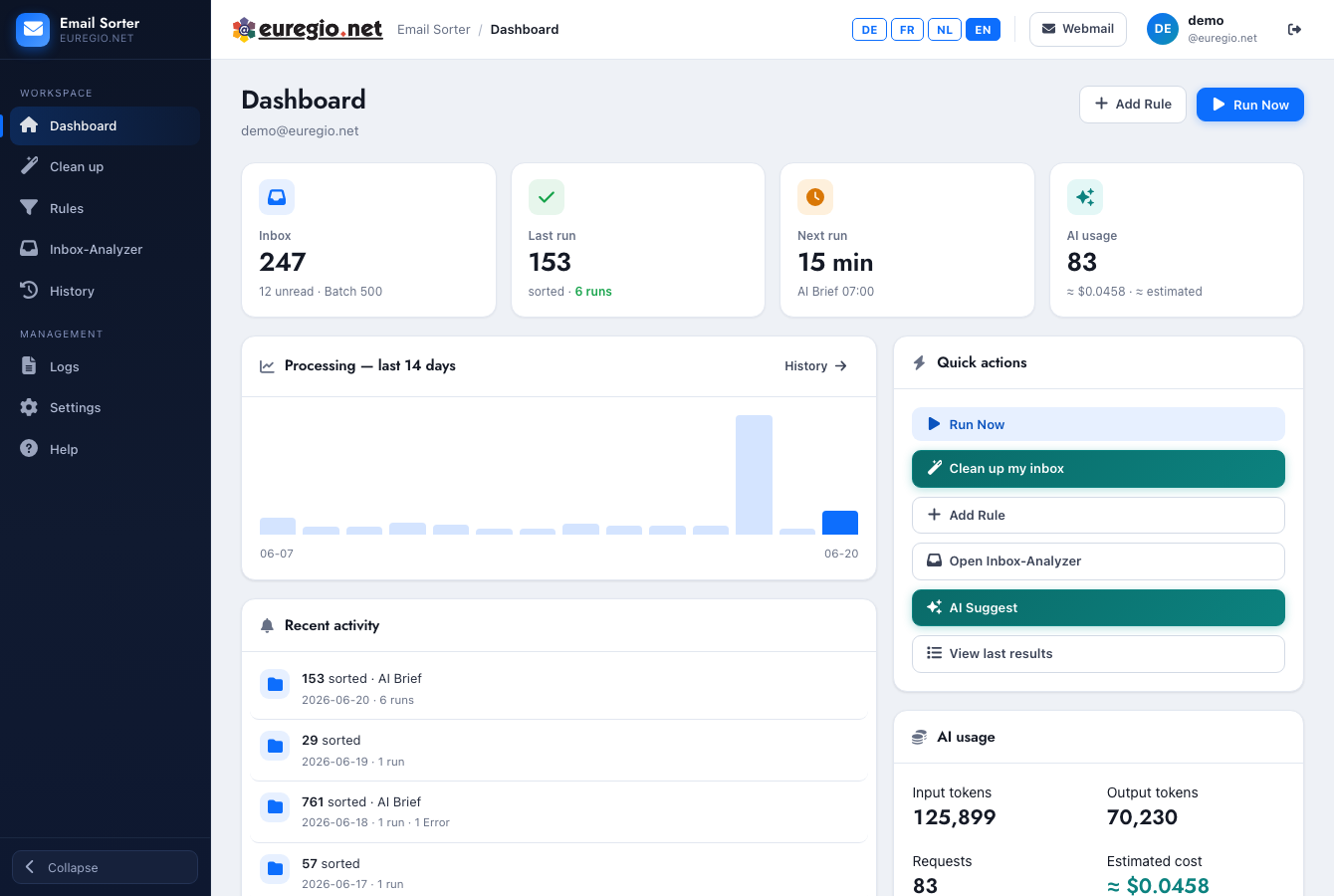
Euregio.Net Email Sorter

Euregio.Net Email Sorter

Webmail
Loading...
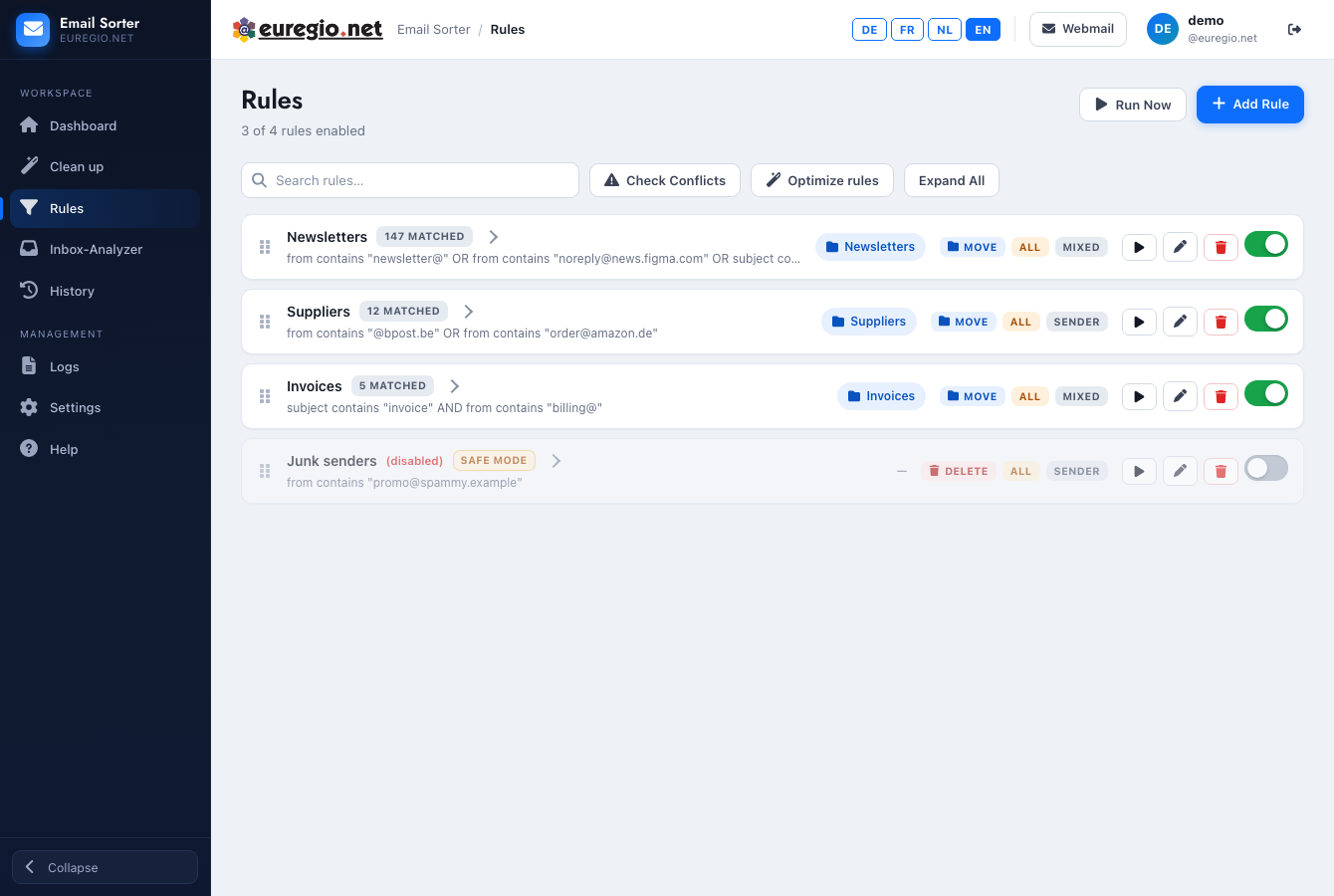
Loading rules...
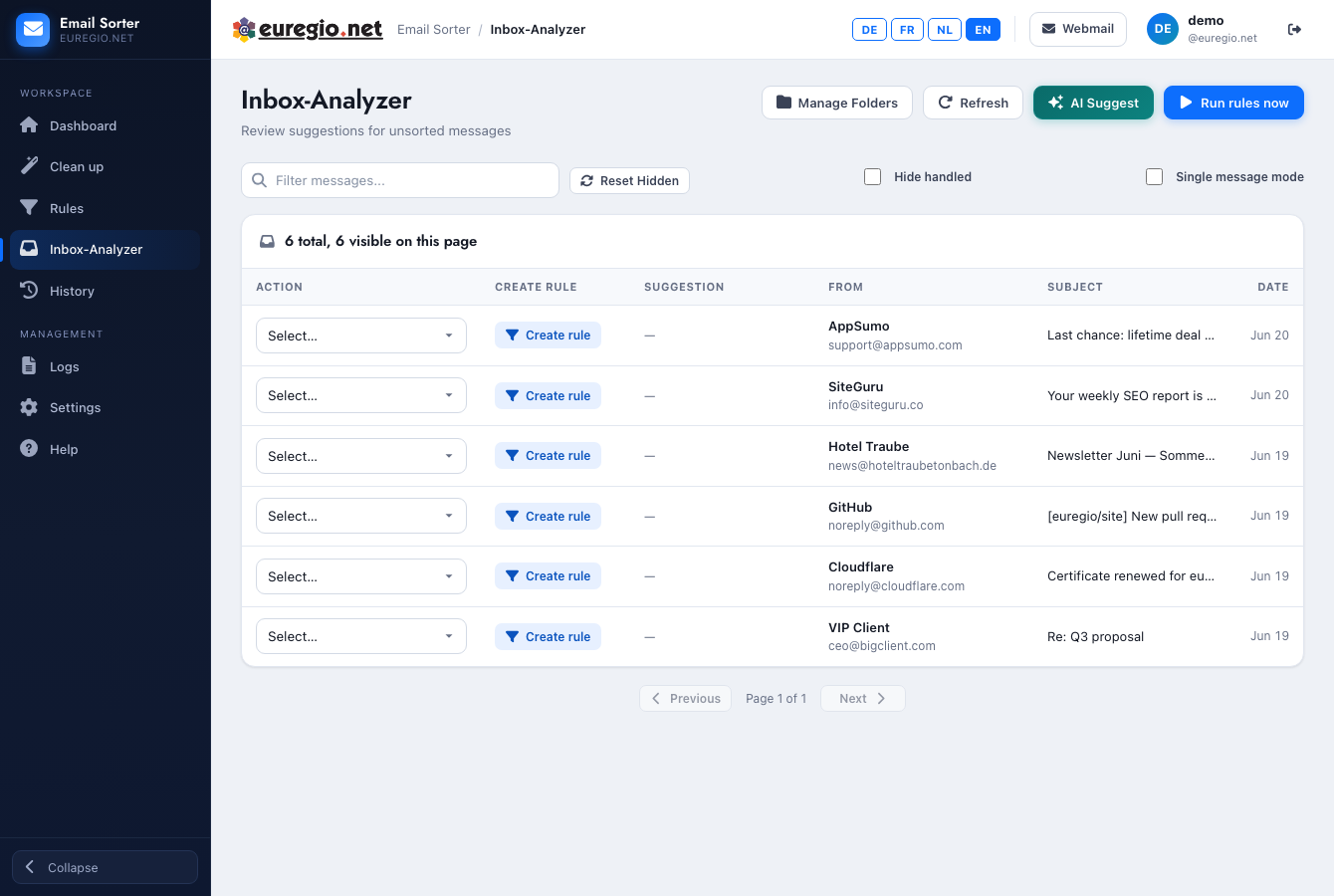
Loading messages...
Action Rule / AI From Subject Date
Loading messages...
Page 1

Loading history...

Settings

Language / Sprache / Langue / Taal

Safe Mode

When enabled, the "delete" action moves messages to a review folder instead of permanently deleting them.

ℹ️ Safe mode is active. Messages marked for deletion will be moved to "Review" instead.

AI Rule Suggestions

Use AI to analyze your inbox and suggest folder categorizations for senders.

πŸ”‘ API key provided by administrator. You can use AI suggestions without entering your own key.
Your key is stored securely and never shared.

Privacy & Consent

AI Rule Suggestions sends the following data to your configured AI provider:

  • βœ“ Sender email addresses
  • βœ“ Email subject lines

NOT sent: Email body content, attachments, your email address, dates, CC/BCC recipients.

βœ“ AI Suggestions enabled on

AI Usage Statistics

Track your AI token usage and estimated costs.

Total Requests 0
Input Tokens 0
Output Tokens 0
Estimated Cost $0.00

Daily Digest Email

Receive a daily email summary of sorted messages after cron processing.

Requires AI consent and API key. Uses a small number of tokens.

Add Rule

Recent Logs

Loading logs...

Delete Rule

Are you sure you want to delete this rule?

Manage Folders

Loading...

⚠️ Missing Folders

Reassign Folder

Reassign rules from "" to:

Processing Digest

⚠️ Overlapping Rules

πŸ”§ Optimize Rules

Enable AI Suggestions

AI Rule Suggestions analyzes your inbox to recommend folder categorizations.

Requirements:

  • βš™οΈ Configure your API key in Settings tab (or ask your administrator)
  • βš™οΈ Select your preferred AI model in Settings

Data sent to AI provider:

  • βœ“ Sender email addresses
  • βœ“ Email subject lines

NOT sent:

  • βœ— Email body content
  • βœ— Attachments
  • βœ— Your email address
  • βœ— Dates, CC/BCC recipients

Create Subject Rule

Edit the subject to create a filter pattern. Removing text from the start suggests "ends with", from the end suggests "starts with".

Sender: